
How to Repurpose Your Content and Get More Out of What You've Already Created
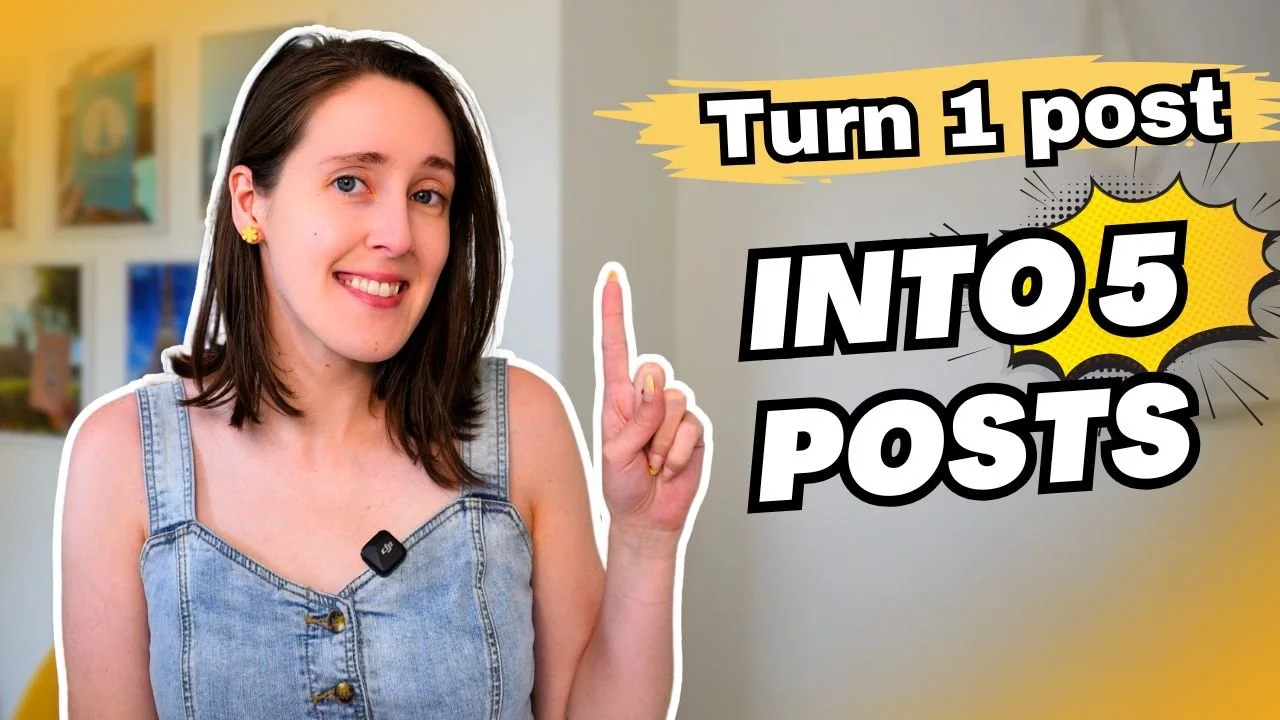
What if the content you posted last Tuesday is actually worth five more pieces of content and you've already done the hardest part? The creatives I work with are putting real energy into creating something new, posting it, and then moving on. But that one piece has a whole second and third life that's going untapped. Today I want to show you how to unlock it without starting from scratch every single time.
If you want to hear the full details on how I repurpose my content, you can watch the full video or listen to the podcast linked below.
Prefer to watch or listen rather than read this article?
The Hub and Spoke Model (and Why It Changes Everything)
A lot of us are letting about 80% of our content go to waste. We post something, it gets some reach, it fades, and then we create something entirely new. There's a better way to think about this, and it's called the hub and spoke model.
The idea is simple: you have one anchor piece, your hub and that's typically a little longer or more in-depth, and from that you can branch out into multiple smaller pieces of content across the platforms you're already using. A YouTube video, for example, can become five to ten social media posts by clipping shorter segments, pulling quotes for a graphic or carousel, or turning one key concept into its own standalone post.
The same applies to email newsletters, Substack posts, blog posts, anything you've already spent time creating. These aren't one-and-done. They deserve to be repurposed, and repeating yourself is actually a good thing. People are consuming so much content every day that they're not cataloging everything you've ever said. When they encounter a story they've heard a version of before, it builds familiarity and connection, not boredom. I've reshared the same social media posts many times over my 10 years of showing up consistently, and it works.
Step One: Start with What You've Already Done
Go back through your existing content on social media captions, email newsletters, blog posts, YouTube videos and start pulling things that have potential for a second life. Copy and paste them into a Google Doc or your notes app and jot down what format they could become next.
A caption that didn't get much reach might perform really well as a carousel. Slides you designed for a carousel could be talked through as a reel. An email newsletter might translate naturally into a social media caption or, if it's meaty enough, into a longer video. This isn't about adding platforms you're not already using; it's about getting more out of what you're already doing, even if that just means reformatting something for the same platform in a different way.
One tool that makes this a lot easier, especially if you're working from YouTube videos, is the Glasp extension. It automatically transcribes your videos so you can copy and paste what was said directly into a caption, a carousel, or whatever you're making next. It's a simple step that removes a lot of the friction from repurposing.
Step Two: Go Through Your Phone Gallery
Once you've identified what content is worth repurposing, the next question is: what visuals do you already have to go with it? I'd be willing to bet you have more than you think.
Go through your phone gallery and look for past photos of yourself, B-roll clips, travel photos, anything that fits your brand and aesthetic. I've been working on making my author account feel more visually cohesive, and when I actually went through my gallery, I found a lot to work with beach photos, flowers, casual selfies, short clips of me working. I organized them into folders in Google Drive (pretty photos, casual photos, B-roll) so I can pull from them easily whether I'm on my phone or my computer.
The B-roll folder is something I've had to actively build over time. Whenever I'm sitting at my desk or going on a walk, I'll set my phone up and film seven seconds of whatever I'm doing. It feels awkward at first, I promise it does for most people, including me but it gets easier, and having that content to pull from makes repurposing so much faster. Even if you don't share it right away, just getting into the habit of filming is worth it.
Look at what you have, identify the gaps, and let that guide what you capture this week. If you have plenty of photos of yourself writing but nothing else, maybe this week you focus on a walk outside or a quiet moment with your sketchbook whatever connects with your audience and your content themes.
Putting It Into Practice
Once you have your list of what to repurpose and the visuals to go with it, the only thing left is to actually make it and post it. This doesn't have to be a massive overhaul, I like to do a light version of this exercise once a month, just asking myself what went well, what resonated, and what deserves another round.
If you want a year's worth of content ideas and templates so you're not always starting from scratch, the Social Media Suite 2.0 is worth checking out. It's my second edition of a full year of graphic templates, reel templates, and caption templates designed specifically for authors and artists. There's also a new caption personalizer tool that takes your information and writes captions in your voice, with your products in mind. Check out the Social Media Suite 2.0 here.
And if you'd like personalized feedback on your social media, email newsletters, bio, and more along with monthly templates and trainings, you're welcome to join the waitlist for the Creative's Content Club. Join the waitlist here.
Thank you for taking the time to read this. If repurposing is something you want to get better at, I hope this gave you a clear place to start and a little permission to let your best content work harder for you.